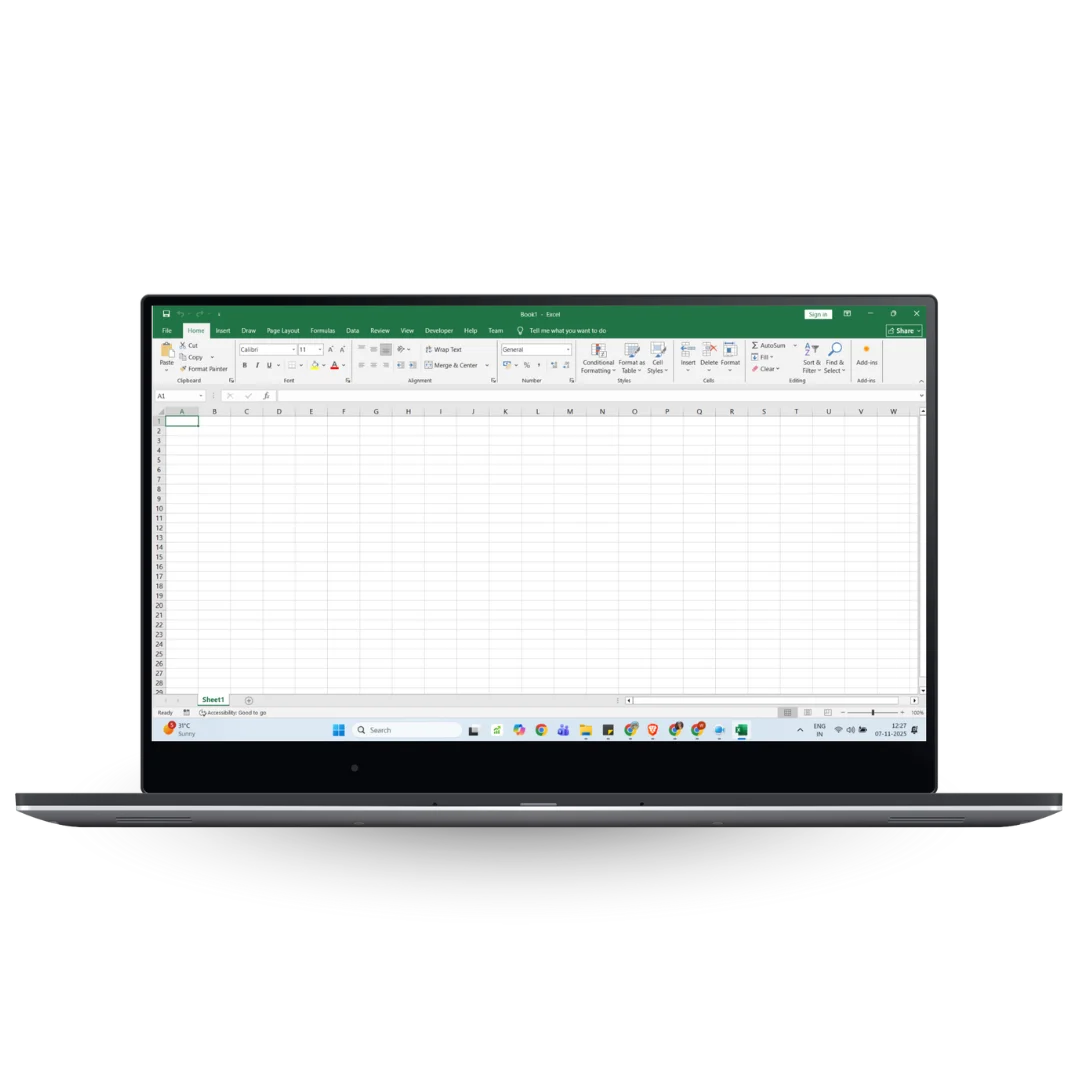
Easemylife was setup in 2021 with a mission of providing extra ordinary services to people to make their work lives better at an affordable cost.
It is driven by Aditya Pikle, who is its Founder Director.
He is a supply chain professional who has spent 28+ years in the corporate world in companies such as Reliance, GlaxoSmithKline, Sony BMG, Aqua MCG and Abbott. He has spent a number of years in developing systems for large companies and is skilled in designing systems.
Easemylifetools platform is a platform launched in 2026 by Easemylife to provide subscription based simple Excel Tools for individuals.
It is the objective of Easemylife to build simple systems which individuals can use in their work life as well as at home, using the familiar platform of Excel.
Tools have been built for specific domains and industries.
Why Choose Our Tools
One-Click Automation
Execute complex Excel tasks effortlessly.
Lightweight & Secure
No external software or cloud dependency.
100% Excel-Compatible
Works with all Excel versions (2016 & above).
Lifetime Access
Buy once, use forever.
Transform the Way You Work Automate with One Click.
Watch how our automation tools can cut your Excel workload by 80%.
Frequently Asked Questions
Why subscription?
Excel files provided run with built-in programs (macros). Once setup, these do not require any maintenance. But there is a remote possibility that users may face issues and the programs may not run as expected. This can happen if there is an issue with the input data or if the user changes the laptop.
The subscription is for the support. Users know that if something does not work, they can approach the support team for help.
How does the License Work?
Usage license is for one user for one laptop. This is managed using a user id and a laptop id.
User ID is a verified email id. Laptop id is the laptop manufacturer id.
If the laptop is changed, the activation has to be done in the new laptop and the tool will stop functioning on the previous laptop.
What is Activation?
After users download the file, they need to activate their license through a one time process. This is to ensure that their credentials such as email identitiy and laptop id are updated in the Excel file along with the License Expiry Date.
Can I cancel my subscription?
Yes. You can cancel the subscription at any point of time. In case of cancellation, the last date is first set and updated in the tool. The amount to be paid till the last date is deducted and the balance amount will be refunded to you. You will not be able to use the tool after the last date.
Do I need to have internet to use the tools?
You do not need the internet to use the tool. But you need it to activate your tool, changing the laptop and for cancellation.